Video, menu, or both.
Upload a full-screen video or build your menu with photos and prices. Combine them on one screen and they play one after the other.
Digital signage for food businesses: show your menu, prices and promotions on the TVs in your shop. Change a price from your phone and every screen reflects it within seconds.
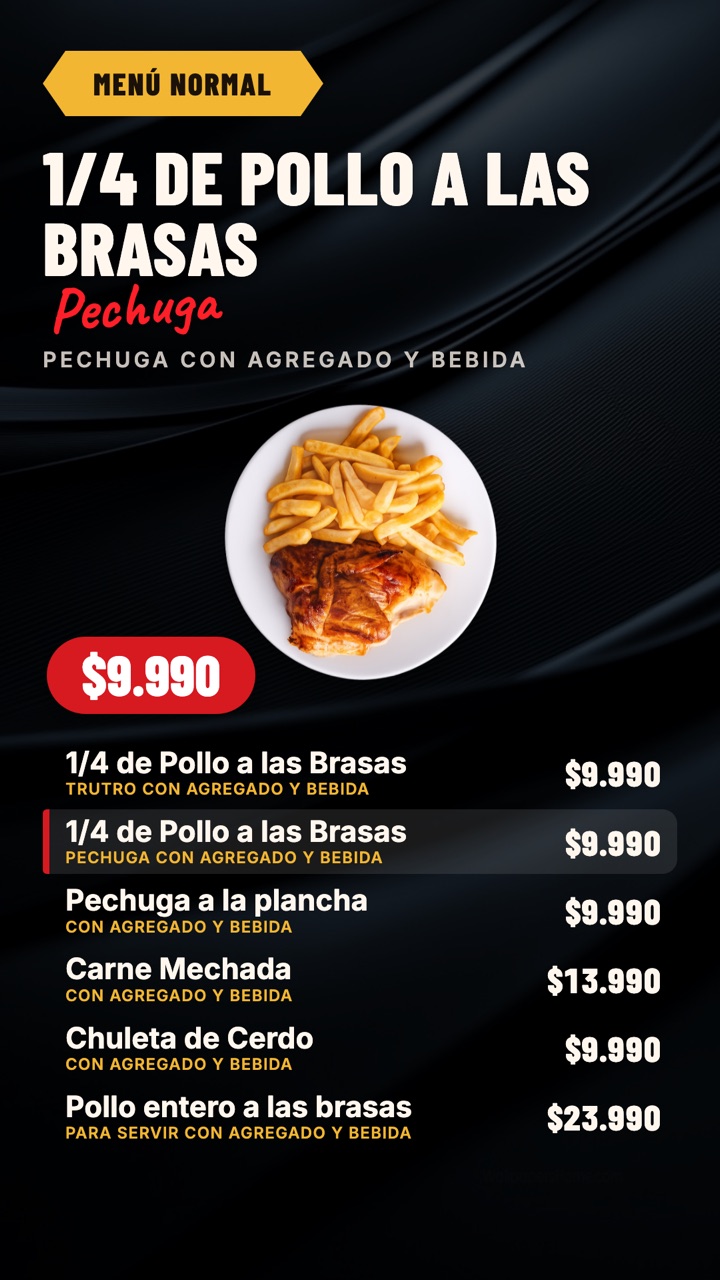
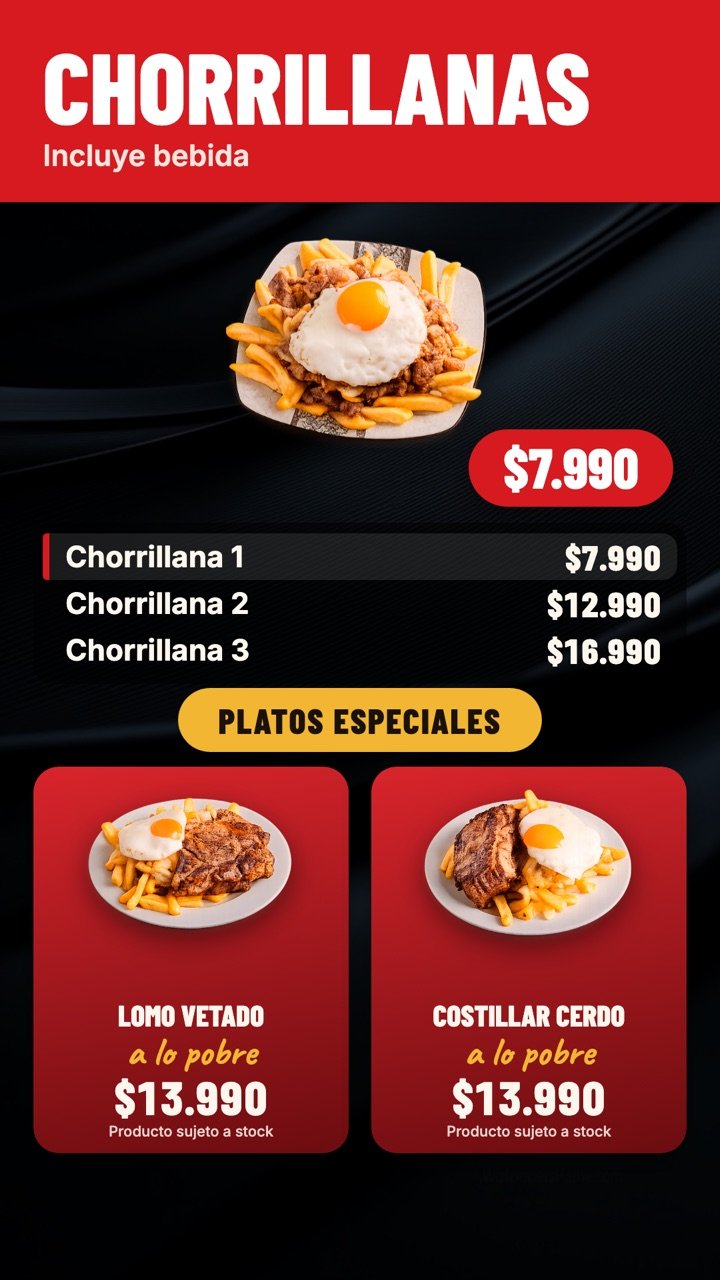
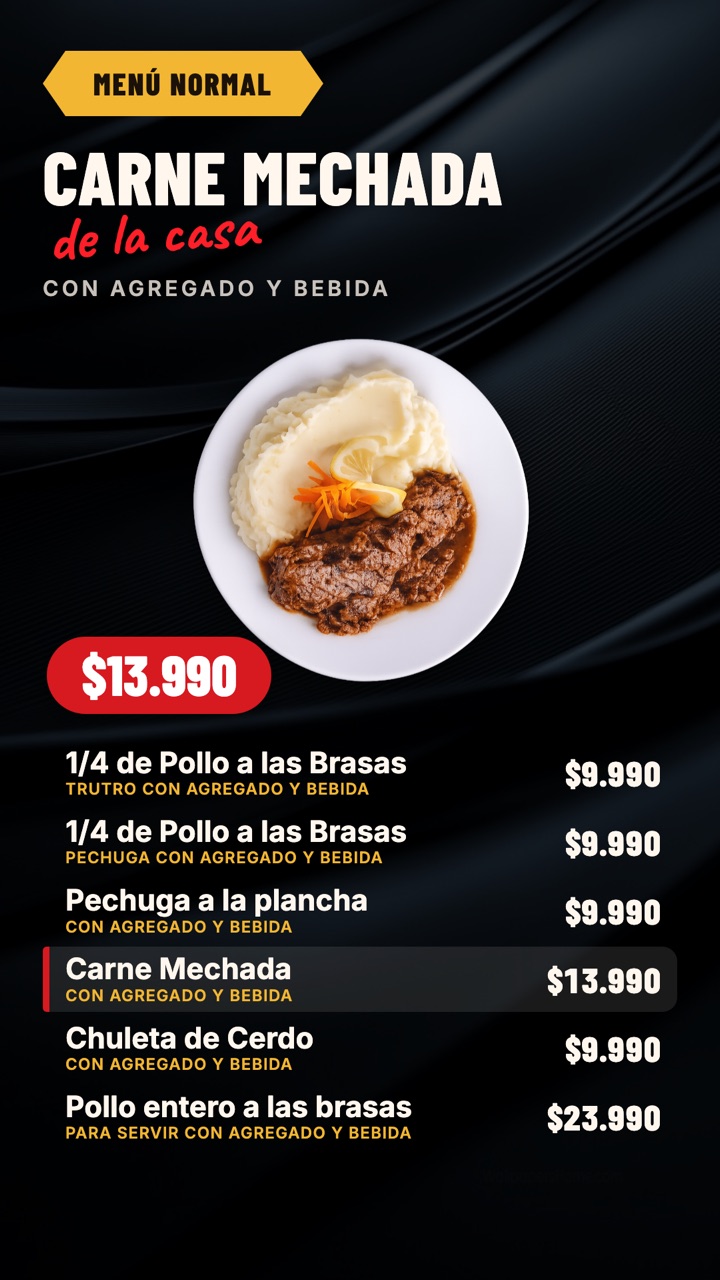
Features
Upload a full-screen video or build your menu with photos and prices. Combine them on one screen and they play one after the other.
Each branch groups its own screens, up to your plan’s limit.
Invite your team as admin or editor. A manager can see only the branch they are responsible for.
If the Wi-Fi drops, the screen keeps showing what it last loaded and updates itself again when the connection returns.
Works with TVs standing upright, like a sign, or on their side. Image rotation included.
Templates
With your email or with Google. You already get a sample screen to start with.
Pick a template, upload your photos and type names and prices. You see how it looks while you edit.
Every screen has its own link. Open it in the TV’s browser and you’re done.
Pricing
Every plan includes a 7-day free trial. Prices in Chilean pesos (CLP), per month.Every plan includes a 7-day free trial. Prices in US dollars, per month. Customers in Chile can also pay in Chilean pesos.
For a shop that is just starting.
CLP $14,990US$17/month
Try it freeFor shops with a team.
CLP $24,990US$29/month
Try it freeFor several branches.
CLP $39,990US$45/month
Try it freeIt means showing your menu, prices and promotions on screens instead of printed posters. With PantallApp you build the content in your browser and the TVs in your shop display it and update themselves.
Plans start at US$17 per month and include a 7-day free trial. Each extra branch and each extra user has a separate cost; the details are in the pricing section.
No. The dashboard and the screens run in the browser: there is no software to install and no special equipment to buy.
Any TV or display that can open a web page: a smart TV with a browser, a TV box or a mini PC connected by HDMI. You open your screen’s link and that’s it.
Yes. You choose portrait or landscape for each screen, and if your TV shows the image rotated you can fix it with the signal rotation setting in the dashboard.
The screen keeps showing what it last loaded. When the connection comes back, it updates itself.
PNG, JPG, WebP and GIF images, and MP4 or WebM videos of up to 300 MB. For video we recommend MP4 with the H.264 codec, which plays on almost any TV.
Yes. It is designed for food businesses with one or several locations: restaurants, coffee shops, fast-food counters and any place where you want to show your menu and your offers.
Your plan includes one branch and the number of users each plan lists. When you need more, you request or add them from the dashboard and their cost is added to your monthly bill. You always see the price before you confirm.
A few seconds. Each screen checks for changes every few seconds and updates without you touching the TV.
Create your account, build your menu and open the link on the TV. You get a 7-day free trial.